 RouterLightsFix
Xfinity Router or Modem Blinking Green: What It Means and How to Fix It
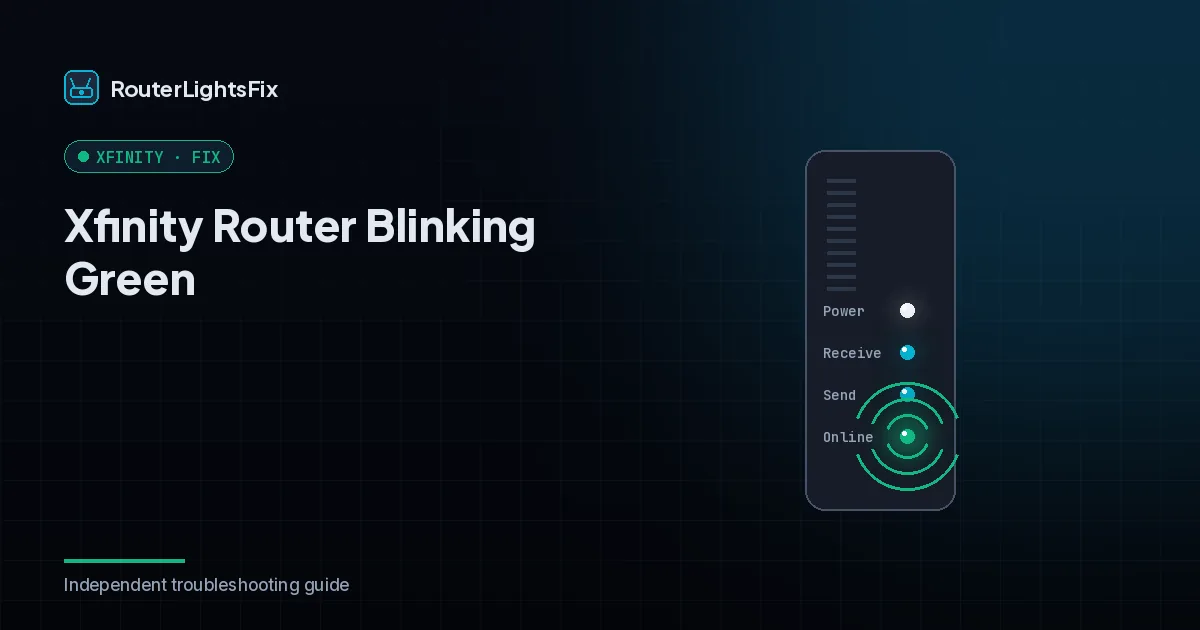
Blinking green on an Xfinity router or modem is usually the last step of a normal connection: the device has found the Xfinity network and is finishing the handshake. Seen for a minute or two at startup, it is nothing to worry about. If it goes on and on without turning steady, something is preventing the connection from completing.
Xfinity's own light chart treats colors other than white, red and blue as the gateway connecting to its systems and recommends waiting about 15 minutes. Use the fixes below when waiting does not work. They apply to xFi gateways, Xfinity-leased modems and customer-owned modems.
What does blinking green mean?
| Light | Usual meaning |
|---|---|
| Blinking green at startup | Normal, connecting; expect one to three minutes |
| Blinking green that never turns steady | Cannot complete the connection |
| Steady white after green | Connected and working |
On some standalone modems, steady green means connected. On xFi gateways, steady white is the connected state.
How to fix a blinking green Xfinity device
1. Wait and then power cycle
Wait five to fifteen minutes after power-up. Then unplug the power cord for 60 seconds and plug it back in, and wait a few minutes for the startup sequence.
2. Check the coax cable
Tighten the coax at the wall and the device. Inspect it for kinks, cuts or crushed sections and replace it with a new RG6 coax cable if damaged.
3. Remove or reduce splitters
Every splitter weakens the signal. Connect the device directly to the wall outlet and power cycle it. If it connects, the splitter was the problem.
4. Check for an outage
Use the Xfinity app on mobile data or the status page. If there is an outage, wait.
5. Try a different coax outlet
Not every outlet is live. Move the device to another outlet and power cycle again.
6. Factory reset
If the steps above fail, use the reset button as a last resort. It erases your WiFi settings, so see how to reset an Xfinity router first.
7. Contact Xfinity
If it is still blinking green, the cause may be a provisioning error, a weak signal or failed hardware. Contact Xfinity and ask them to send a provisioning signal and check your signal levels remotely.
If it keeps coming back
A device that repeatedly falls back to blinking green usually has an unstable signal. Ask Xfinity for a signal check or a technician visit, and if the device is more than about four years old, ask about a replacement.
The bottom line
Blinking green is a connecting state. Wait, restart, fix the coax path and check for outages, then escalate with the steps you have taken.
Frequently asked questions about xfinity router blinking green
What does a blinking green light mean on an Xfinity router?
Blinking green usually means the device has found the network and is in the final stage of connecting. It often follows the orange phase and should turn steady within a few minutes.
How long should Xfinity blink green?
About one to three minutes at startup. If it keeps blinking beyond five to fifteen minutes, something is stopping the connection from finishing.
Can a bad coax cable cause blinking green?
Yes. A loose, damaged or low-quality coax cable is a common cause. Tighten it at both ends and replace it if it looks worn.
Will a factory reset fix a blinking green light?
It can if the cause is a software glitch, but it will not fix an outage, bad cable or weak signal. Try the simpler fixes first.
Why does my Xfinity modem keep going back to blinking green?
Repeated drops usually mean an unstable signal from old splitters, a loose wall connection or a node issue. Ask Xfinity to check your signal levels.