 RouterLightsFix
How to Reset a Modem: Power Cycle, App Reset and Factory Reset
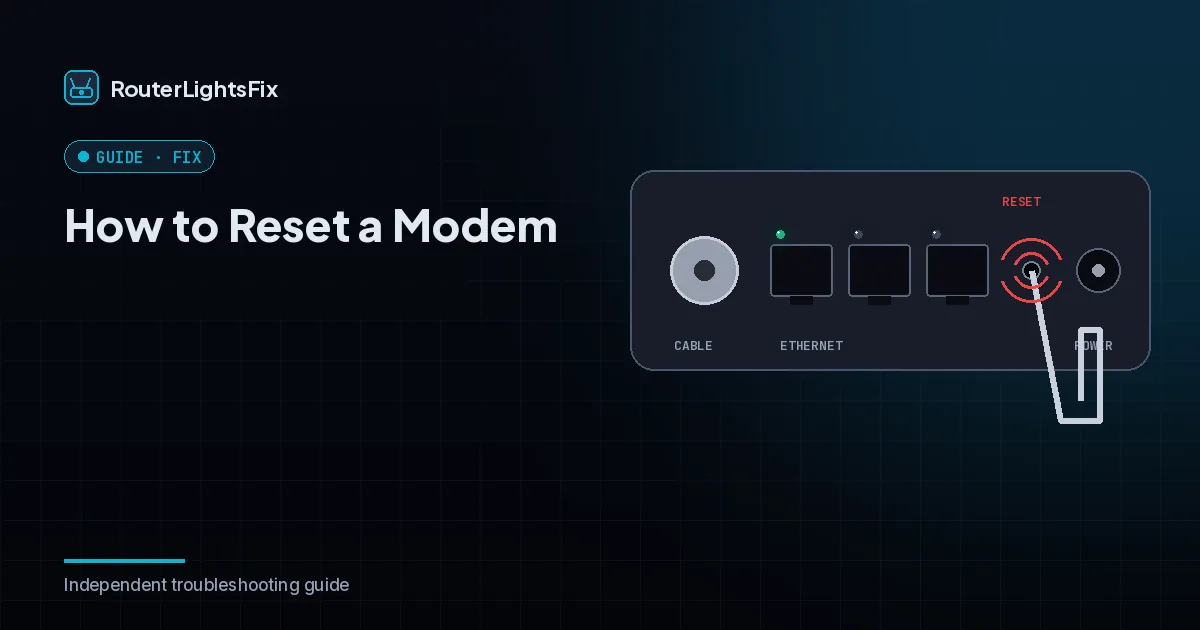
Resetting a modem forces it to reconnect and re-register with your provider, which fixes many connection problems. There are three levels, from gentle to drastic, and you should use them in order.
Method 1: power cycle the modem
Unplug the modem's power cord. If it has a backup battery, remove that too.
Wait 60 seconds.
Put the battery back in and plug the power cord in.
Wait two to five minutes until the online light is steady.
Restart your router only after the modem is back online.
Method 2: reset from your provider's app
Many providers let you restart or refresh a modem from their app or website. This asks the provider's system to re-provision the modem, which can fix problems a local power cycle cannot. It also works when you cannot reach the modem.
Method 3: factory reset with the reset button
Find the small recessed reset button.
Press and hold it with a paperclip for the time your model specifies.
Release it and wait for the modem to restart.
A factory reset returns the modem to its defaults. With a modem you own, it may need to be re-activated on your provider's network, so check with your provider first if you are unsure.
What the lights should do
After a reset, the lights cycle while the modem finds the network. The online light should become steady. If it blinks for more than ten minutes, check for an outage, tighten the coax cable and remove splitters.
If the modem will not reconnect
Confirm the modem is compatible with your provider and activated on your account, try another coax outlet and contact your provider with the steps you tried. See the lights guide for what each color means.
The bottom line
Power cycle first, use the app second and factory reset last. Give the modem time before you restart the router.
Frequently asked questions about how to reset modem
How do I reset my modem?
Unplug the power cord (and the backup battery if there is one), wait 60 seconds, plug it back in and wait a few minutes for the online light to settle.
Does resetting a modem delete my settings?
A power cycle does not. A factory reset can erase settings and may require your provider to re-activate the modem.
How long does it take for a modem to reconnect?
Usually two to five minutes, sometimes up to ten.
Should I reset the modem or the router?
Reset the modem first and let it connect, then the router. If you are not sure which is failing, read modem vs router.
What if the modem will not reconnect?
Check for an outage, tighten the coax cable, remove splitters and contact your provider.