 RouterLightsFix
Spectrum Modem Blinking Blue and White: What It Means and Fixes
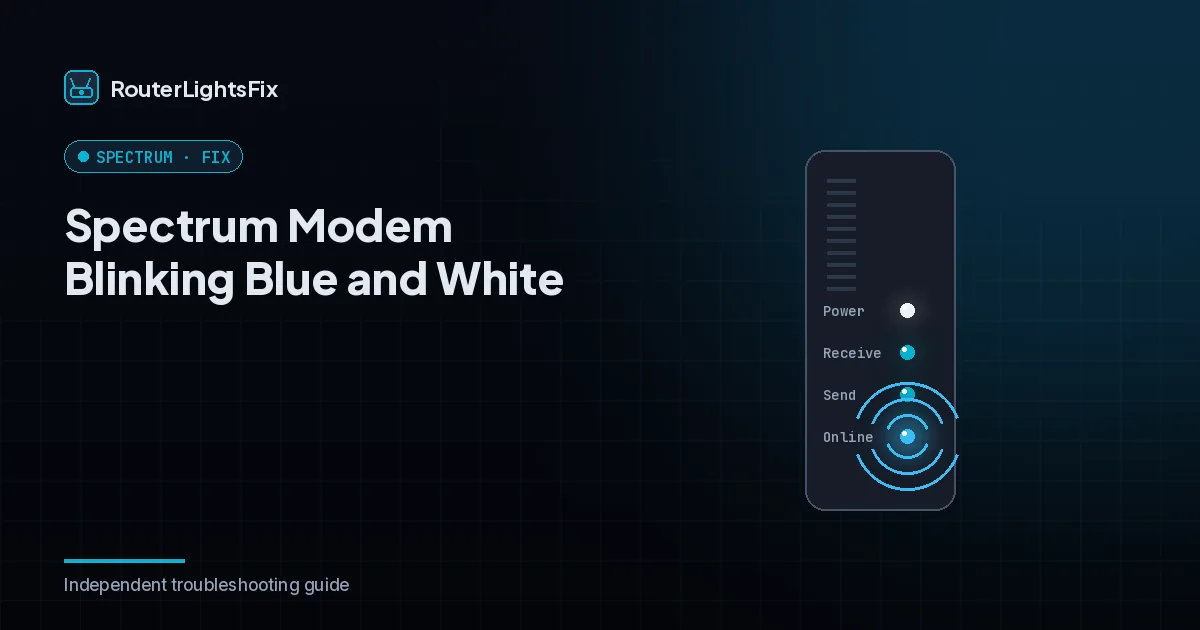
When the Online light on a Spectrum modem blinks blue and white, the modem is scanning for a signal and trying to register with the Spectrum network. For the first few minutes after power-up that is completely normal. If it keeps going, something is stopping the modem from finishing, and this guide shows you what to check.
Light behavior varies by modem model. The descriptions below match common Spectrum-issued modems; confirm against your label or guide if yours looks different.
What do the Online light colors mean on a Spectrum modem?
| Online light | Meaning |
|---|---|
| Solid blue | Connected using DOCSIS 3.1 channel bonding, the best state |
| Solid white | Connected on DOCSIS 3.0 channels; internet works, gigabit speeds may not |
| Blinking blue and white | Scanning for the network and registering; normal for a few minutes |
| Blinking blue only | Found downstream channels, still negotiating upstream |
How to fix a modem stuck blinking blue and white
1. Wait five minutes
Do not touch anything for a full five minutes after power-up. Newer modems that bond to many channels can take longer.
2. Check for an outage
Look in the My Spectrum app using mobile data. If there is an outage or maintenance, the modem will connect on its own when service is restored.
3. Power cycle the modem
Unplug the power cord, and remove the backup battery if there is one. Wait 60 seconds and plug it back in. Leave your router unplugged until the modem's Online light is solid.
4. Check the coax cable
Tighten the coax connector at the modem and at the wall. Look for damage. Remove any splitter between the wall and the modem and connect the modem directly if you can.
5. Try a different coax outlet
Not every outlet in a home is active. Move the modem to another outlet and power cycle again.
6. Reset from the My Spectrum app
In the app, open your internet equipment and choose the reset option. This has Spectrum re-provision the modem remotely.
7. Replace or escalate
If none of this works, the modem may be failing or the signal may be weak. Contact Spectrum, explain the steps you tried, and ask them to check signal levels. Spectrum-owned modems are normally replaced at no charge.
Drifting between blue and white
A modem that slowly drifts between solid blue and solid white over days, or that keeps dropping back to blinking, often has a marginal signal from an old splitter, a corroded connector or a problem on the line outside your home. Ask for a signal check or a technician visit.
The bottom line
Blinking blue and white is normal for minutes, not for an hour. Rule out an outage, restart the modem, fix the coax path, use the app reset, and escalate with your steps listed.
Frequently asked questions about spectrum modem blinking blue and white
What does blinking blue and white mean on a Spectrum modem?
It usually means the modem is scanning for and registering on the Spectrum network. That is normal for the first two to five minutes after power-up. If it continues longer, the modem is not getting a usable signal.
What is the difference between solid blue and solid white?
On many Spectrum modems, solid blue means a DOCSIS 3.1 connection and solid white means a DOCSIS 3.0 connection. Both mean you are online, but solid white may deliver lower top speeds.
How long should the Online light blink?
Up to about five minutes after a restart is typical. If it is still blinking after ten minutes, start troubleshooting.
Can a splitter cause blinking blue and white?
Yes. Splitters weaken the signal. Connect the modem directly to the wall outlet, and if it connects, replace the splitter.
Will Spectrum replace a modem that will not stay online?
Spectrum-owned modems that fail are normally swapped at no charge at a Spectrum store or by mail. If you own the modem, confirm it is on Spectrum's approved list and that it is activated on your account.