 RouterLightsFix
Spectrum Router Blinking Red: What It Means and How to Fix It
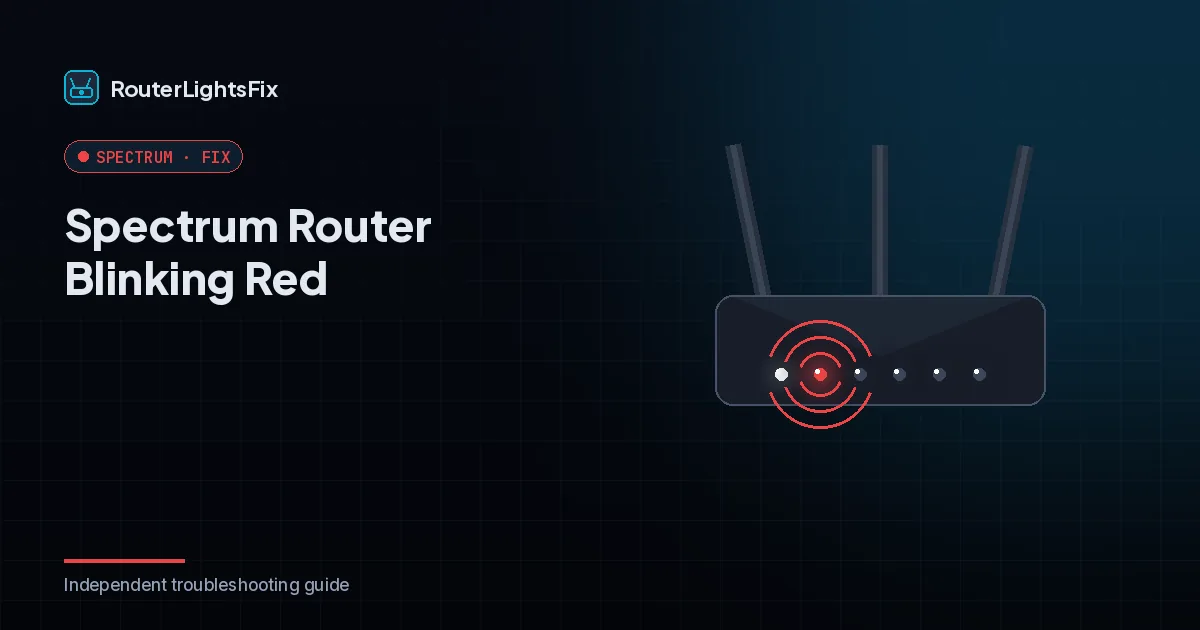
A Spectrum router blinking red means the router has lost its connection to the internet. The router itself usually still works; it just cannot reach Spectrum through the modem. That makes this one of the easiest lights to fix, because the cause is almost always outside the router: an outage, a modem that is not online, or a cable that is not seated.
Below are the red-light patterns and the eight fixes in the order that resolves the most cases fastest. This applies to standalone Spectrum WiFi routers with a single status light; combined gateways can behave slightly differently, so check your model label if the pattern does not match.
What does a red light on a Spectrum router mean?
| Light pattern | What it means | What to do |
|---|---|---|
| Blinking red | Router cannot reach the internet | Check outage, then power cycle modem and router |
| Solid red | Device error, router cannot operate normally | Power cycle, then reset; replace if it returns |
| Alternating red and blue | Firmware update in progress | Do not unplug; wait up to 15 minutes |
How to fix a Spectrum router blinking red
1. Check for a Spectrum outage
Open the My Spectrum app or sign in at spectrum.net and look for an outage notice. Use mobile data, because your home WiFi is down. If Spectrum has an outage in your area, no restart will fix the light; the router reconnects by itself when service returns.
2. Look at the modem first
If you have a separate modem, its lights tell you where the problem starts. When the modem's Online light is off or blinking, the router is red because the modem lost its connection, and the modem is the device to troubleshoot (see Spectrum modem blinking blue and white). If the modem looks normal and solid but the router stays red, the problem sits between the two devices or inside the router.
3. Check the cables
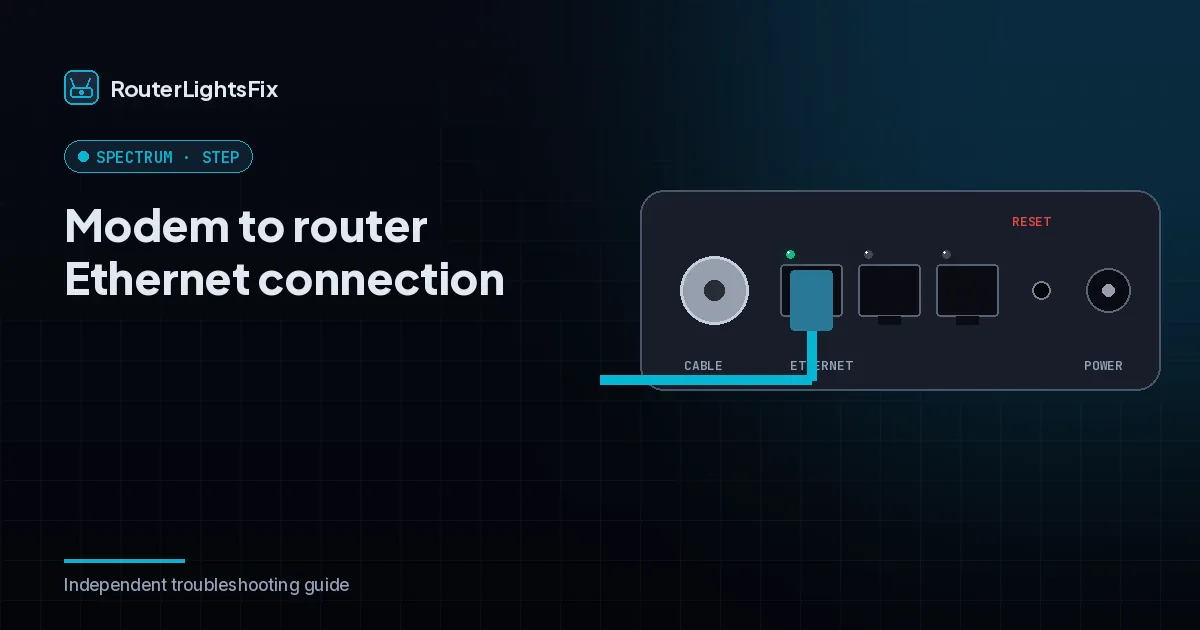
Press the Ethernet cable firmly into the modem and into the router's internet port. A half-seated cable is one of the most common reasons for a red router light while the modem looks fine. Also check that the coax cable on the modem is finger-tight. If you have a spare Ethernet cable, swap it in.
4. Power cycle in the right order
Order matters:
Unplug the power cords from the modem and from the router.
Wait 60 seconds.
Plug in the modem only and wait until its connection light is solid, usually 2 to 5 minutes.
Plug in the router and give it a few minutes to boot and reconnect.
Plugging both in at once often leaves the router searching for a connection the modem has not established yet, which keeps the red light blinking.
5. Let firmware updates finish
If the light alternates between red and blue, the router is installing an update. Do not unplug it: interrupting an update can corrupt the router's software. If the pattern has not cleared after 15 minutes, then power cycle.
6. Check for overheating
A router that feels hot and keeps dropping to red needs airflow. Move it out of cabinets, take items off the top, and keep it away from direct sun and other heat sources.
7. Factory reset the router
If the red light survives everything above, press and hold the recessed reset button on the back with a paperclip for about 10 seconds (some models specify longer; follow your label), then let it reboot. This erases your WiFi name and password and returns them to the defaults printed on the router's label, so you will need to reconnect your devices. Our guide to resetting a Spectrum router explains the difference between a restart and a factory reset before you commit.
8. Contact Spectrum or swap the router
A red light that returns after a factory reset usually means failing hardware. If the router is leased from Spectrum, they replace a faulty unit at no extra charge, either by mail or with a swap at a Spectrum store. Tell the agent you have already power cycled both devices, checked the Ethernet cable and reset the router; it shortens the call.
If the red light keeps coming back
A router that needs rebooting every few days is telling you something. Leased routers are recycled through many households, and an aging unit that repeatedly loses its connection is a hardware problem, not something you did. Ask Spectrum for a newer unit, and make sure the modem-to-router cable is in good condition.
The bottom line
Blinking red means no internet, not a dead router. Check for an outage, confirm the modem is online, reseat the Ethernet cable, power cycle in order (modem first), and reset only if the light survives. If it still returns after a reset, the hardware needs replacing.
Frequently asked questions about spectrum router blinking red
Why is my Spectrum router blinking red?
A blinking red light means the router cannot reach the internet. The usual causes are a Spectrum outage, a modem that has lost its connection, a loose Ethernet cable between modem and router, or a router that needs a restart. Check for an outage first, then power cycle both devices.
What does solid red mean on a Spectrum router?
Solid red generally points to a device error rather than a lost connection. Restart the router, and if the light comes back after a factory reset, the router may need to be replaced. Spectrum replaces its own leased routers at no extra charge.
Why is my Spectrum router blinking red and blue?
Alternating red and blue commonly means the router is installing a firmware update. Leave it plugged in and do not press any buttons. If the pattern has not cleared after about 15 minutes, power cycle the router.
Why is the router red when my modem looks fine?
That points to the link between the two devices. Reseat the Ethernet cable at both ends, use the port the router labels for the modem connection, and swap in a different cable if you have one. If it stays red, the router itself may be failing.
How long should I wait after unplugging a Spectrum router?
Wait at least 60 seconds before plugging anything back in. Plug the modem in first, wait for its Online light to turn solid (usually 2 to 5 minutes), then plug in the router and give it a few minutes to boot.
Will Spectrum replace my router if the red light will not go away?
If the router is Spectrum-owned, a unit that keeps failing after troubleshooting is normally replaced at no extra charge. If you bought your own router, Spectrum will not replace it, so test with a different Ethernet cable before assuming it is dead.